
Core Web Vitals & INP Optimization for B2B SaaS Websites (2026)
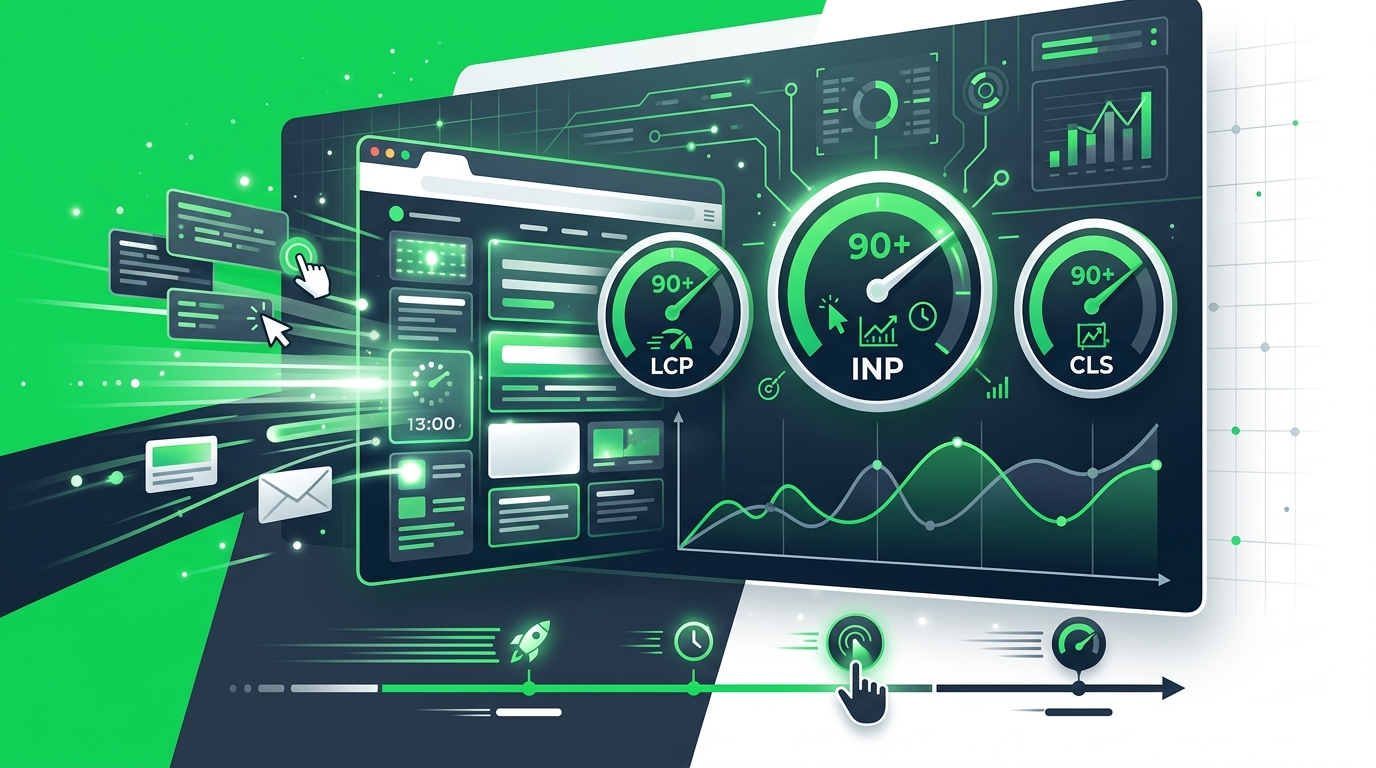
Let's cut right to it. The May 2026 Google core update finally called our bluff on website performance. For years, B2B SaaS marketing teams have been papering over cracked foundations with heavier JavaScript, bloated personalization engines, and massive React applications that take five seconds to become usable.
Google's response? They fully deprecated First Input Delay (FID) and replaced it with Interaction to Next Paint (INP) as the definitive responsiveness metric.
At Sotros, we've seen this shift trigger a bloodbath in SaaS search rankings. It isn't just about SEO anymore, either. We're actively auditing multi-million dollar tech stacks where sub-par INP scores are actively hemorrhaging enterprise pipeline.
What most guides say: "Just optimize your images and minify your CSS." What we actually see: Your massive, client-side rendered dashboard UI is locking up the main thread for 800 milliseconds every time a user tries to open the pricing toggle.
If you're running a modern B2B website, this guide is your operational playbook for passing Core Web Vitals (CWV) and saving your conversion rates.
The 2026 Core Web Vitals Baseline
To pass Google's assessment, your site needs to hit three non-negotiable targets at the 75th percentile of actual page loads:
- Largest Contentful Paint (LCP): <= 2.5 seconds. (How fast the biggest element loads).
- Interaction to Next Paint (INP): <= 200 milliseconds. (How fast the page responds to user input).
- Cumulative Layout Shift (CLS): <= 0.1. (How much the page jumps around).
There's a critical distinction here that most marketers miss: Google prioritizes field data over lab data.
Lab data is what you see when you run a quick Lighthouse test on your MacBook Pro on a gigabit connection. Field data comes directly from the Chrome User Experience Report (CrUX)—anonymized metrics from actual users dealing with spotty hotel Wi-Fi, older devices, and background VPNs.
If your Lighthouse score says 99 but CrUX says you're failing INP, Google treats you as a failure. Period.
Why B2B SaaS Fails INP (And How We Fix It)
Interaction to Next Paint measures the latency of every single click, tap, and keyboard interaction throughout the entire lifespan of a user's visit. It reports the worst one.
Most B2B SaaS sites fail INP because they rely on heavy JavaScript frameworks like React or Angular without proper architecture. When the browser is busy executing a massive bundle of JS, the main thread is blocked. If a user clicks a button during this time, the browser literally can't paint the response until the JavaScript finishes processing.
The Common INP Culprits
After managing 50+ enterprise accounts and tearing down their front-ends for our B2B SaaS CRO audit checklist, we consistently find INP failures in four areas:
- Complex Filtering UI: Resource hubs or product catalogs where checking a box triggers a massive client-side DOM re-render.
- Mega Menus: Enterprise navigation bars that load hundreds of DOM nodes and run complex JavaScript calculations just to show a dropdown.
- Form Submissions: Multi-step lead gen forms with heavy client-side validation that block the thread before showing a loading spinner.
- Third-Party Interceptors: The absolute worst offenders. Chatbots, heatmaps, and personalization scripts.
The Fix: Reclaiming the Main Thread
To get INP under 200ms, you have to break up long tasks. A long task is any JavaScript execution that takes longer than 50 milliseconds.
Code Splitting and Lazy Loading Stop shipping a 3MB JavaScript bundle to your users. Break your code into smaller chunks. Load only what's necessary for the initial render, and defer the rest. If a user hasn't scrolled down to the interactive ROI calculator, don't execute its JavaScript yet.
Yielding to the Main Thread
Modern web APIs offer tools like requestIdleCallback and setTimeout (or the newer scheduler.yield()) to break up complex tasks. If your UI has to process a massive data table, chunk the processing so the browser can slip in a visual update (like a loading state) between calculations. Check out Google's official INP documentation for deep-dive technical implementations.
Web Workers Move heavy computational work completely off the main thread. If you're doing complex data formatting for a chart, run it in a Web Worker so the main thread stays free to handle user clicks.
The Third-Party Script Audit (The Silent Killer)
Let's talk about your marketing stack.
You've got HubSpot tracking, Google Analytics, LinkedIn Insight Tag, Clearbit, Mutiny for personalization, Hotjar for heatmaps, and Intercom for chat.
I'll give you a hot take: Your marketing stack is costing you more leads in performance penalties than it's generating in insights.
Every time we optimize a Google Ads landing page, the first thing we do is ruthlessly audit third-party scripts.
Here is what you actually need to do:
- Delay Chat Widgets: Intercom or Drift should never load on the initial page load. Delay their initialization until the user scrolls, or use a "facade"—a fake CSS button that only loads the heavy chat JS when clicked.
- Move to Server-Side Tracking: Stop loading ten different pixels in the browser. Use a server-side tracking strategy via Google Tag Manager. Send one stream of data to your server, and distribute it to your ad platforms from there. This drastically reduces main thread blocking.
- Audit Heatmaps: You don't need Hotjar recording 100% of sessions indefinitely. Turn it on for two weeks after a redesign, get your data, and turn it off.
Don't Forget LCP: Edge Rendering and Image Mastery
While INP is the new sheriff in town, Largest Contentful Paint remains critical. You need your hero section loaded in under 2.5 seconds.
For B2B SaaS, the LCP element is usually a hero image, a dashboard screenshot, or a massive H1 text block.
Image Optimization Tactics
Serve your images in modern formats like WebP or AVIF. AVIF offers significantly better compression than JPEG or PNG without sacrificing quality.
Always define explicit width and height attributes on your images to prevent Cumulative Layout Shift (CLS), and strictly lazy-load images that are below the fold.
Edge Rendering Frameworks
If you're still relying on Single Page Applications (SPAs) that render entirely in the browser, you are fighting an uphill battle against physics.
We're seeing top-tier B2B teams migrate to SSR (Server-Side Rendering) or SSG (Static Site Generation) using frameworks like Next.js or Astro. Astro, in particular, is a game-changer for content-heavy marketing sites because it ships zero JavaScript to the client by default (its "Islands" architecture). This essentially guarantees a perfect INP score out of the box, allowing you to focus purely on funnel conversion rate optimization.
The ROI of Web Performance
Why does any of this matter to the CMO or the VP of Sales?
Because site speed is a revenue metric.
According to Portent's extensive site speed research, a site that loads in 1 second has a conversion rate 3x higher than a site that loads in 5 seconds. In B2B SaaS, where a single enterprise lead can be worth $50,000 in ARR, a 1-second delay is costing you millions in pipeline.
When you improve INP, users feel like the site is snappy, responsive, and high-quality. This subconscious trust directly impacts B2B landing page conversion rate benchmarks. When the site lags, users bounce.
The B2B CWV Optimization Checklist
As part of our comprehensive CRO audit checklist 50-point framework, here is the practical performance checklist your development team should be running through:
- Audit CrUX data in Google Search Console to identify specific pages failing INP.
- Implement the Web Vitals JavaScript library to collect real-user metrics directly into your analytics platform.
- Identify long tasks in Chrome DevTools (Performance tab) and break them up using
scheduler.yield()orsetTimeout. - Replace resource-heavy interactive elements with CSS-only alternatives where possible (e.g., CSS tooltips instead of JS libraries).
- Defer non-critical third-party scripts and load chat widgets using a facade pattern.
- Migrate client-side tracking pixels to server-side Google Tag Manager.
- Preload the LCP hero image and remove any lazy-loading attributes from it.
- Convert all raster images to AVIF or WebP format.
- Set strict performance budgets in your CI/CD pipeline so new PRs can't be merged if they tank your Lighthouse score.
Final Thoughts: Establish a Performance Budget
You can't treat Core Web Vitals as a one-time SEO project. The moment you optimize the site, marketing will ask for a new script, or design will push a massive Lottie animation to the homepage.
You need a performance budget. Establish strict limits on JavaScript bundle sizes and main thread execution times. Block deployments that exceed these limits.
At Sotros, we view performance as a continuous foundational layer for all digital strategy. Because no amount of brilliant copywriting or aggressive ad spend can save a page that takes six seconds to respond to a click.
Get frameworks like this delivered weekly
Actionable B2B marketing playbooks, benchmarks, and strategies — no fluff.
Get a Free Growth AuditFrequently Asked Questions
How This Fits Into Our Work
This article is part of how we deliver Funnel & CRO, Digital Strategy and Analytics for teams in SaaS, Enterprise Software and B2B Professional Services. If you're facing similar challenges, we can help you build the infrastructure to address them systematically.